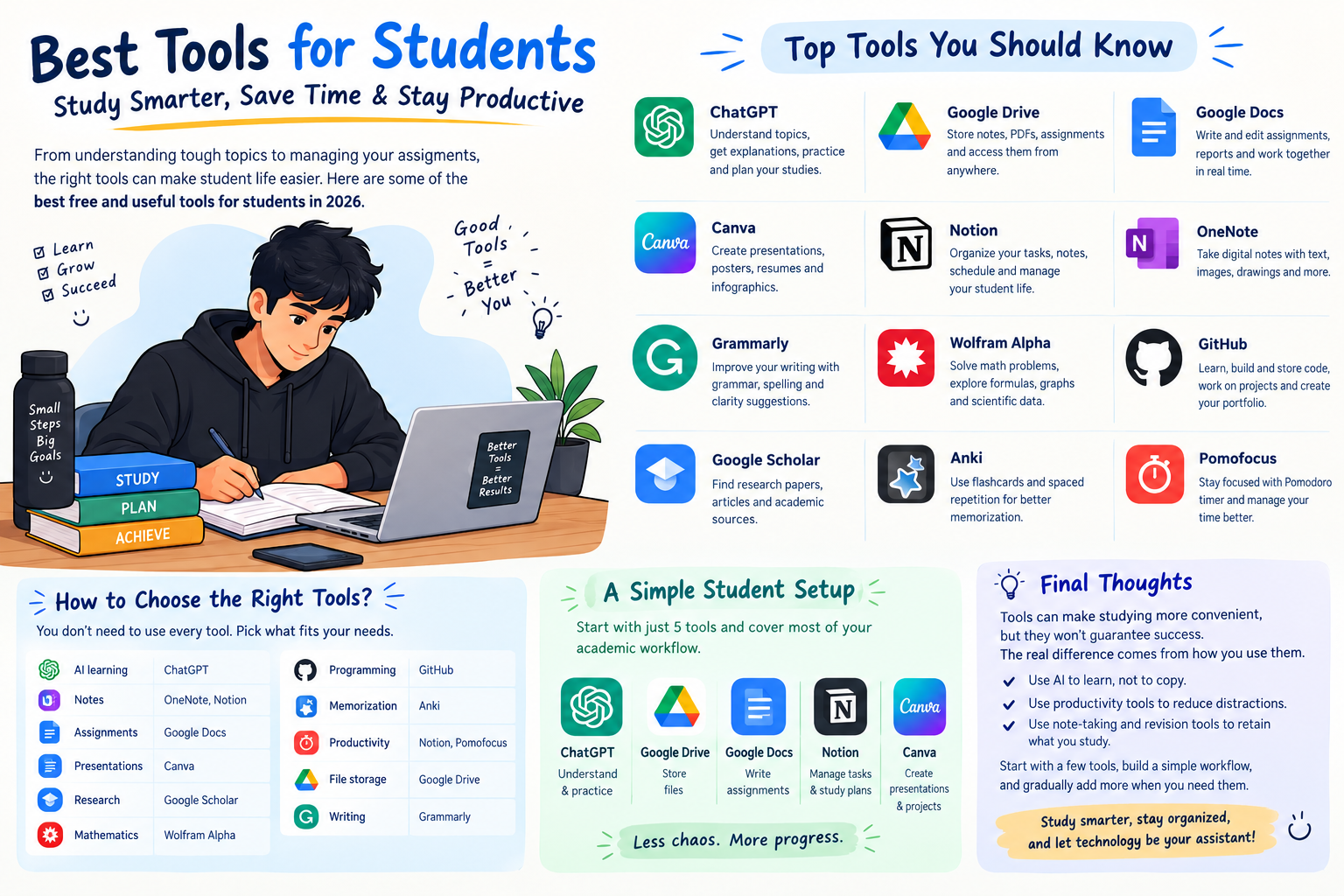

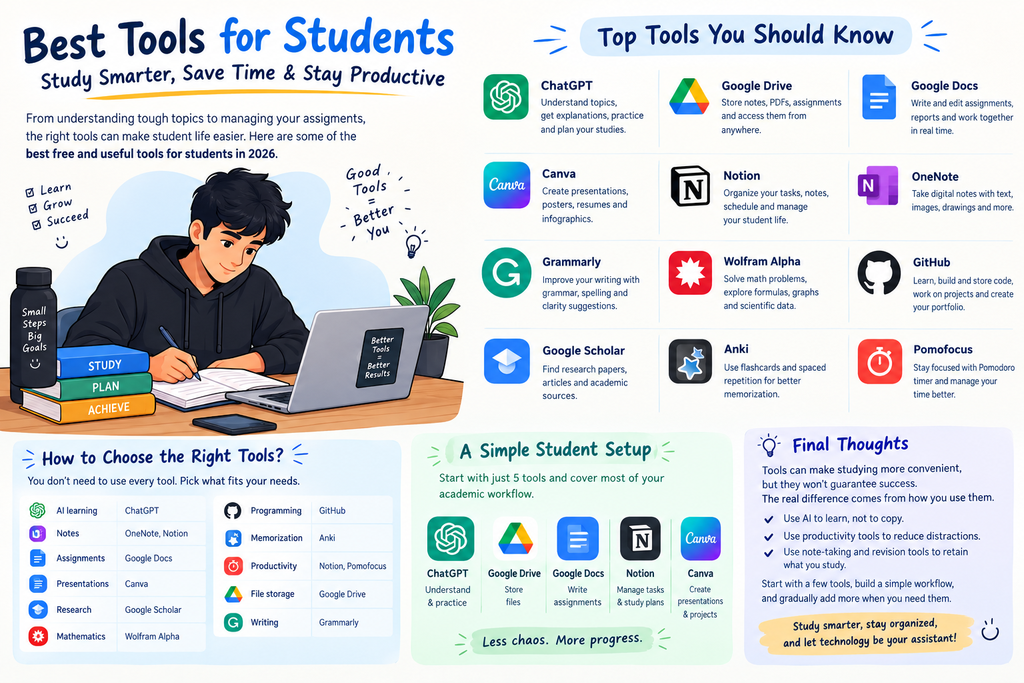
Being a student today is easier in some ways—but more challenging in others. With assignments, exams, notes, projects, presentations, and deadlines, managing everything can become difficult.
The good news is that there are many free and useful online tools for students that can help with studying, note-taking, research, productivity, writing, presentations, and exam preparation.
In this guide, we’ll explore some of the best tools for students in 2026 and how you can use them effectively.
1. ChatGPT – AI Study Assistant
ChatGPT is one of the most useful AI tools for students.
You can use it to:
- Understand difficult topics in simple language
- Generate practice questions
- Summarize chapters
- Explain mathematical and scientific concepts
- Create study plans
- Improve assignments and writing
- Practice interviews and viva questions
- Learn programming
Best for:
Learning, explanations, brainstorming, revision, and practice.
Tip: Don’t simply copy AI-generated answers. Use AI to understand the topic and then write the answer in your own words.
2. Google Drive – Store Your Study Material
Google Drive is an excellent option for storing notes, PDFs, assignments, presentations, and other academic files.
Instead of keeping everything on your computer, you can organize your study material into folders such as:
College → Semester 1 → Subject → Notes → Assignments
You can access your files from almost any device with an internet connection.
Best for:
Cloud storage and organizing study materials.
3. Google Docs – Write Assignments Online
Google Docs makes it easy to create and edit documents.
Students can use it for:
- College assignments
- Project reports
- Lab records
- Research notes
- Group projects
- Essays
One major advantage is that documents can be edited collaboratively, making it useful for group assignments.
Best for:
Assignments, reports, and collaborative writing.
4. Canva – Create Presentations & Projects
Canva is useful when you need to create visually attractive presentations, posters, resumes, infographics, or educational materials.
Students can use ready-made templates instead of designing everything from scratch.
Best for:
Presentations, posters, resumes, project designs, and infographics.
5. Notion – Organize Your Student Life
Notion can work as an all-in-one workspace for students.
You can create:
- To-do lists
- Class schedules
- Study trackers
- Notes
- Assignment trackers
- Exam countdowns
- Project boards
For students handling multiple subjects and deadlines, having everything organized in one place can be extremely useful.
Best for:
Organization and productivity.
6. Microsoft OneNote – Digital Notebook
Microsoft OneNote is designed like a digital notebook.
You can create separate notebooks for different subjects and add:
- Typed notes
- Images
- Drawings
- Screenshots
- PDFs
- Handwritten notes
Best for:
Digital note-taking and subject-wise organization.
7. Grammarly – Improve Your Writing
Grammarly can help students improve their English writing.
It can identify issues related to:
- Grammar
- Spelling
- Sentence clarity
- Punctuation
- Writing style
It’s particularly helpful when preparing assignments, emails, applications, and project reports.
Best for:
English writing and proofreading.
8. Wolfram Alpha – Solve & Understand Problems
Wolfram Alpha is useful for mathematics, science, engineering, and other technical subjects.
Students can use it to explore mathematical calculations, equations, graphs, formulas, and scientific information.
Best for:
Math, science, engineering, and technical learning.
9. GitHub – Learn & Store Code
GitHub is particularly useful for computer science and IT students.
You can use it to:
- Store programming projects
- Learn from open-source projects
- Track code changes
- Build a developer portfolio
- Collaborate with other developers
Having projects on GitHub can also help demonstrate practical skills when applying for internships.
Best for:
Programming, projects, collaboration, and portfolios.
10. Google Scholar – Find Academic Research
Google Scholar helps students discover academic papers, research articles, theses, and scholarly literature.
It’s especially useful for students working on:
- Research projects
- College presentations
- Final-year projects
- Academic assignments
Best for:
Academic research and scholarly sources.
11. Anki – Smart Flashcards
Anki is a flashcard-based learning tool that uses spaced repetition.
Instead of repeatedly reading the same chapter, you can create flashcards and review information at intervals.
It can be particularly useful for:
- Definitions
- Formulas
- Vocabulary
- Dates
- Biology facts
- Chemistry reactions
- Technical concepts
Best for:
Memorization and revision.
12. Pomofocus – Focused Study Sessions
Pomofocus is a simple Pomodoro timer.
A common study cycle is:
25 minutes study → 5 minutes break → repeat
After several sessions, you can take a longer break.
This approach can make long study sessions feel more manageable.
Best for:
Focus and time management.
How to Choose the Right Student Tools
You don’t need to install every tool mentioned above.
Choose tools according to your needs:
| Need | Useful Tools |
|---|---|
| AI learning | ChatGPT |
| Notes | OneNote, Notion |
| Assignments | Google Docs |
| Presentations | Canva |
| Research | Google Scholar |
| Mathematics | Wolfram Alpha |
| Programming | GitHub |
| Memorization | Anki |
| Productivity | Notion, Pomofocus |
| File storage | Google Drive |
| Writing | Grammarly |
A Simple Student Productivity Setup
If you want a simple setup without using too many apps, start with just five:
ChatGPT + Google Drive + Google Docs + Notion + Canva
Use them like this:
ChatGPT → Understand & practice
Google Drive → Store files
Google Docs → Write assignments
Notion → Manage tasks and study plans
Canva → Create presentations and projects
This combination can cover a large part of a student’s everyday academic workflow.
Final Thoughts
Technology can make studying more convenient, but tools alone won’t guarantee better results. The most important factor is how you use them.
Use AI to learn instead of blindly copying, use productivity tools to reduce distractions, and use note-taking and revision tools to retain what you study.
Start with a few tools that solve your biggest problems, build a simple workflow around them, and gradually add more when you actually need them.
Study smarter, stay organized, and use technology as your assistant—not as a replacement for learning.


Best tools and good analysis
Good
Great
Thanks for suggesting I also use some tools like- notion, gpt, drive and many more 😊
Study related